 Mevole
Describe one clear moment.
Write the subject, action, camera direction and atmosphere. Keep the movement easy to understand.
Video studio / Set a scene
Every story starts somewhere.
Start with text, a frame or supported reference images. Give the scene a direction before taking it into the studio.
Open video studioSketch your direction
Local sketch only. References stay in this browser until you continue to the studio. Input support depends on your model.
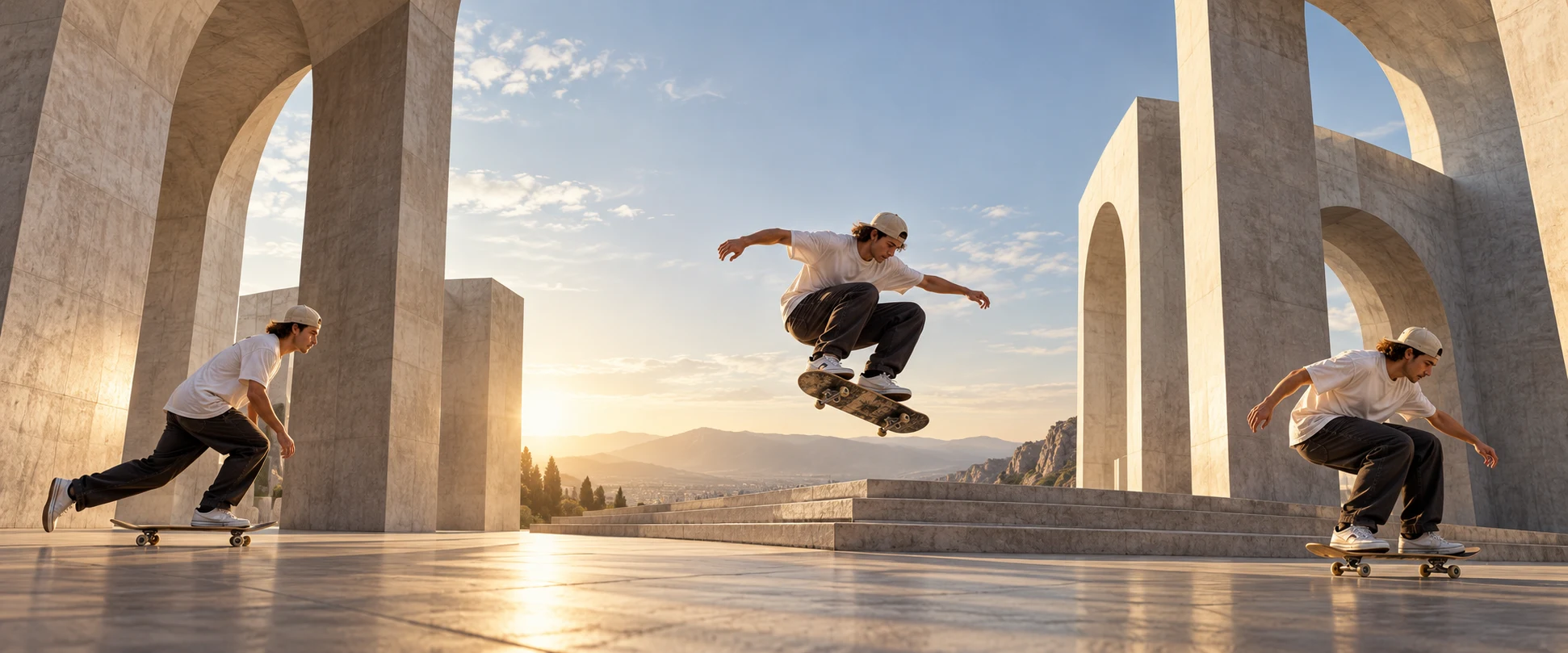
Duration options depend on the model. This page does not generate video.
Plan the shot
Write the subject, action, camera direction and atmosphere. Keep the movement easy to understand.
Choose a starting frame or reference images only when the selected model supports them.
Try a reference frame ↗Open the video studio to select a supported mode, duration and settings. Check the visible credit cost before submitting.
Open video studio ↗Choose your lens
Text to video · Image to video · Reference
Text to video · Image to video · Reference
Text to video · Image to video · Reference
Text to video · Image to video · Reference
Text to video · Image to video · Reference
Text to video · Image to video · Reference
Text to video · Image to video · Reference
Text to video · Image to video · Reference
Text to video · Image to video · Reference
Text to video · Image to video · Reference
Shape a scene
Describe a scene with text, or use a frame when supported.
Put subject action and camera motion into your prompt.
Choose from the options exposed by your selected model.
Image meets motion
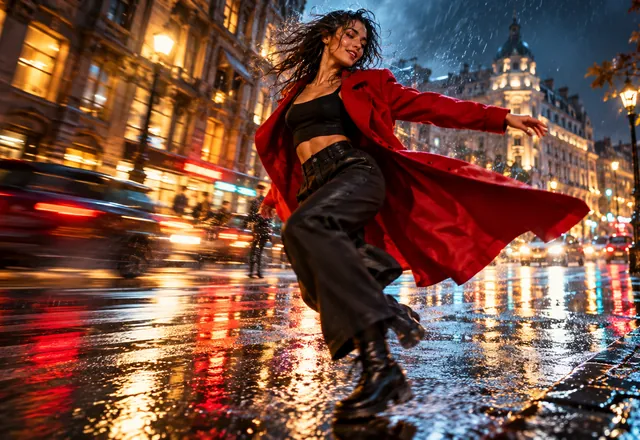
Create an image direction, then bring a supported frame into the video studio.
Explore the image studioA scene for your idea
Explore a visual direction for your next campaign.
Sketch a short, personal story before production.
Plan a setting, a detail and a camera move.
Develop a visual explanation of a concept.
Before generation
Modes, reference limits, duration and output settings vary by model. The studio shows what is available and validates your inputs.
A few answers
Choose the image or video studio. Select a model and a supported mode, then review the inputs and credit cost before submitting.
The model directory lists the models currently enabled for public use in Mevole. Availability and input options depend on the selected model.
See Pricing for current subscription and credit pack options. The studio shows the credit cost for your selected model and settings.
Use a reference only when your chosen model and mode support it. The studio validates the exact requirements. Use images you have permission to use.
Your next chapter
Choose your model and review the inputs, settings and credit cost in the studio.